Budgeting App Without an Account: Try FitBudget First
If you are looking for a budgeting app without an account, you are probably tired of apps that want an email address, a bank connection, or a free trial before you can see how they work.
Downloading a budgeting app should not feel like applying for a loan. Yet with many apps, the first thing you see is not a budget. It is a signup wall. You are asked to enter an email, create a password, answer questions about your finances, pick a subscription and connect your bank. Only then do you see the actual product.
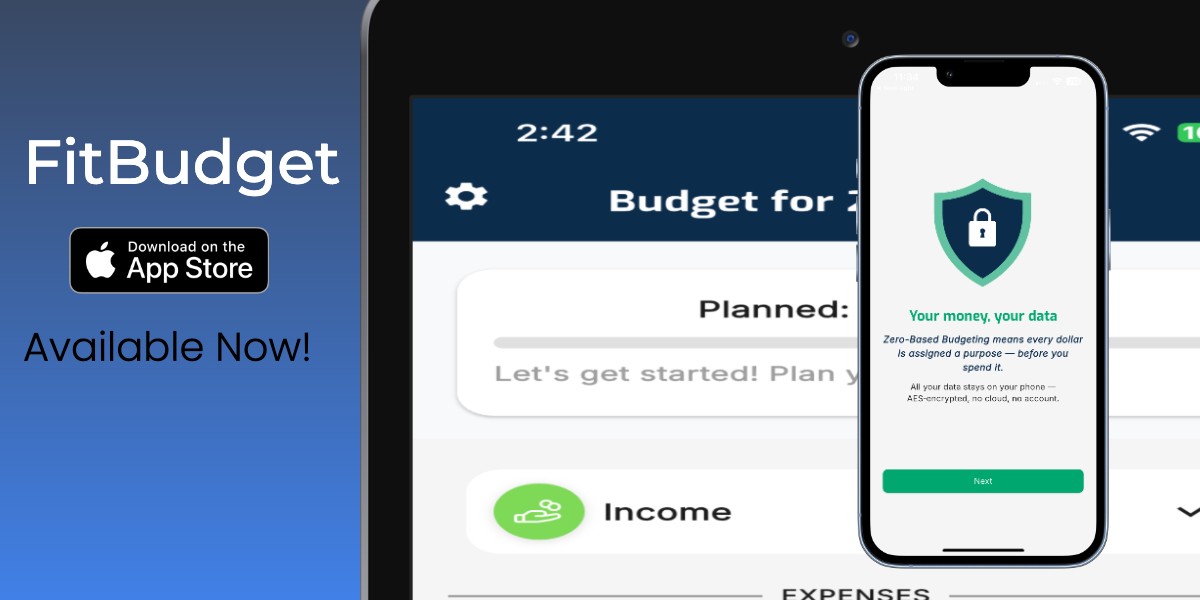
Accounts can be useful. Bank syncing can save time. A paid plan can be worth it. But an app should show you it can help first. That is why I built FitBudget so you can open it, explore a realistic budget, and understand how it works with no account, no bank connection and no subscription.
Try it first. Decide later.
🤝 A Budgeting App Should Earn Your Trust
A signup wall asks you to trust an app before it has done anything to earn that trust. You have not seen how the budget works or whether its method fits the way you manage money.
I think that order is backwards. You should be able to see the product and judge whether it is useful before being asked to commit.
That matters with any app, and even more with a budgeting app. Your finances are personal. Trying a budgeting tool should not cost you personal information before you know what you are getting.
🧩 No Account, No Bank Connection and No Subscription Are Different Things
No account required
You do not have to provide an email address, create a username or set up a login before using the app. FitBudget does not require a FitBudget account.
No bank connection required
You can create and manage a budget manually without connecting a checking account, credit card or other financial institution. Bank syncing in FitBudget is optional.
No subscription required to start
You can use FitBudget's free manual budgeting tools without paying or starting a trial. The free version has no ads.
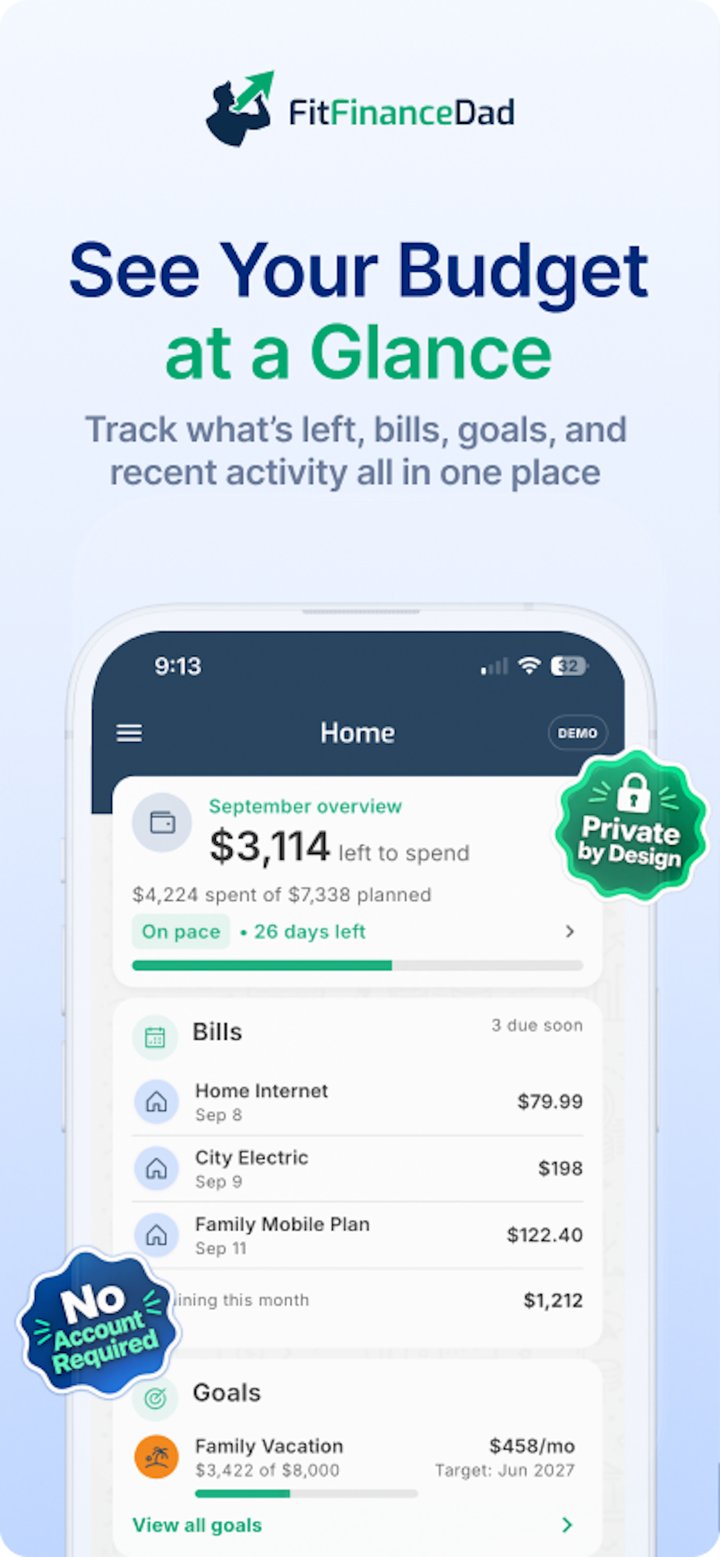
FitBudget gives you all three. These are not temporary workarounds or empty screens designed to push you toward an upgrade. They are part of how the app was built.
📱 Try the Real App Through Demo Mode
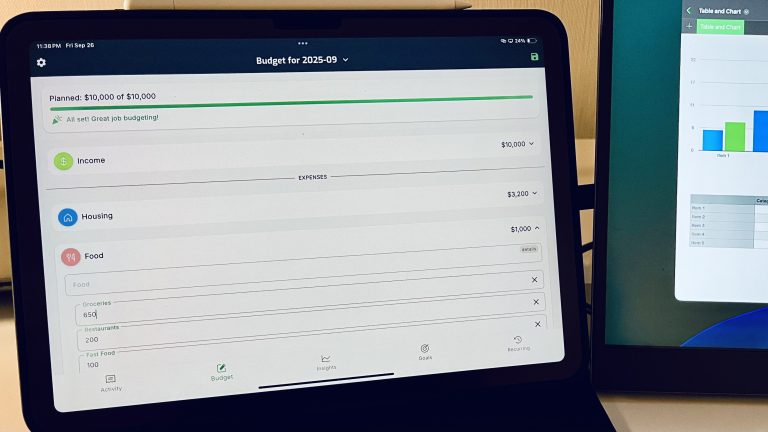
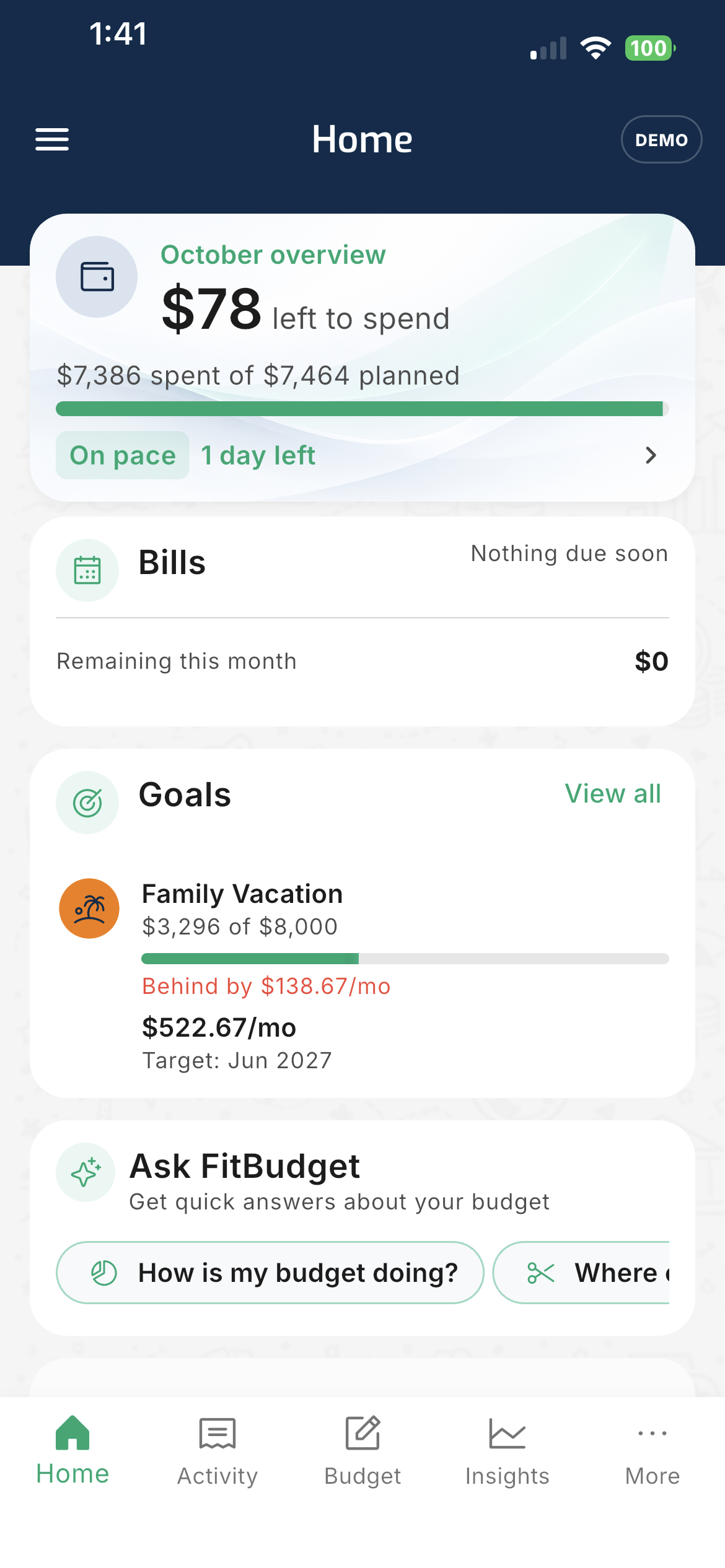
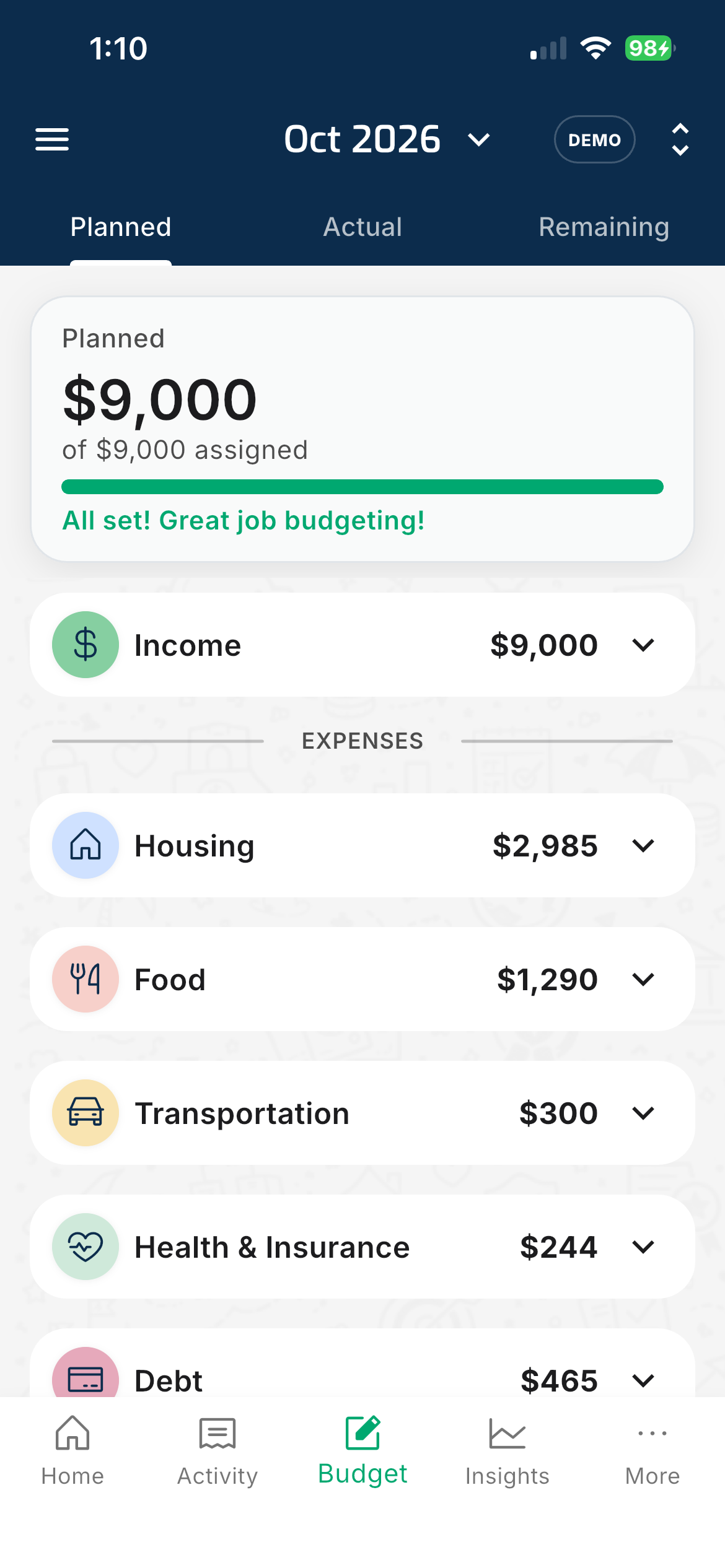
FitBudget includes Demo Mode so you can see it working first. It gives you a working example budget with realistic information already filled in. Instead of spending your first few minutes building categories, you can see right away how the app handles:
- Income and budget categories
- Planned spending and transactions
- Bills and recurring expenses
- Savings goals
- Overspending
- Money available to assign
You can move through Home, Activity, Budget and Insights, plus Goals, Recurring and other areas, to see how the pieces fit together. This is not a canned tour. It is the real app. Demo Mode never connects to Plaid or your bank, and the example data is deleted when you leave.
When you are ready, leave Demo Mode and build your own budget. Demo Mode is only the starting point. The free version is a real budgeting tool on its own. You can enter your own transactions manually and use the core budgeting tools with no account, no ads and no cloud storage.
📓 Why I Built FitBudget This Way
I did not start budgeting because budgeting apps were exciting. I started because I needed to know where my money was going and what I could actually afford.
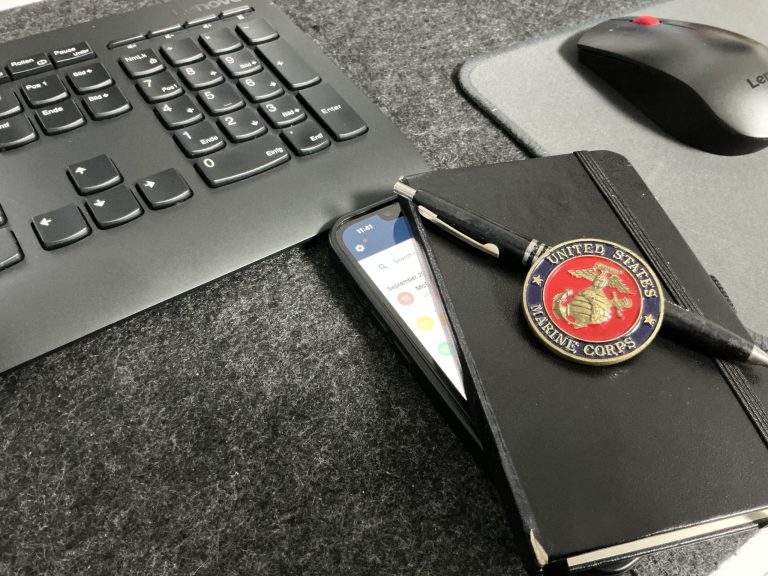
My budgeting habit began with a notebook while I was serving in the Marines. It was basic, but it gave me a plan. I could see the money I had, decide where it needed to go, and make choices before it disappeared.
Years later, I found that many budgeting apps had become more complicated than the problem they were meant to solve. Many wanted an account, a subscription and a bank connection before I could properly understand the product.
FitBudget came from a simpler idea: assign all of your income on purpose before the month starts, keep the experience straightforward, and let people decide how much they want to connect.
I wanted an app I would feel comfortable trying myself. That meant no forced account and treating your financial information as private, not as something to collect. I share the full story in Why I Built FitBudget.
🧭 Budgeting Should Help You Plan, Not Just Look Back
Many financial apps are good at showing what already happened. That can be useful, but looking backward is not the same as having a plan.
FitBudget is built around zero-based budgeting. You start with the income available to you and assign it to bills, everyday spending, debt, savings and other priorities. The goal is not to spend your bank balance down to zero. The goal is for income minus planned spending, saving and debt payments to equal zero.
A clear budget helps you answer questions like:
- What does my income need to cover?
- Am I funding the things that matter most?
- What should I adjust before the month gets away from me?
A budget should help you decide before the money is gone, not simply explain what happened afterward.
🔒 FitBudget Is Private With or Without Bank Sync
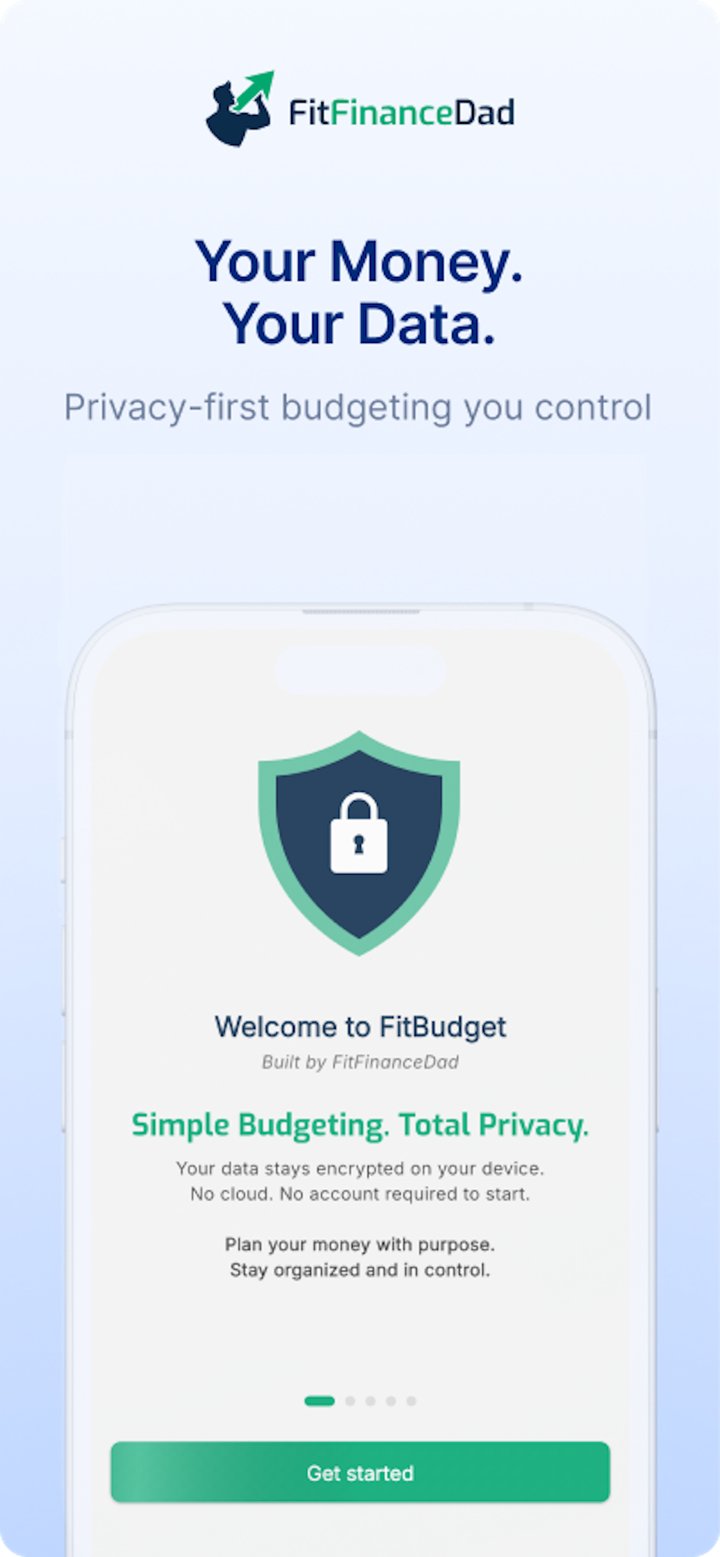
Budgeting data reveals where you shop, what you owe and what you value. Privacy was not something I wanted to add later as a marketing feature. It is part of the design, whether you enter transactions manually or connect a bank.
I do not collect your financial information to build a profile about you, sell it or use it for advertising. Your budget and transactions are stored locally and encrypted on your device rather than inside a FitBudget cloud account.
Bank syncing is optional. FitBudget Pro users in the United States and Canada can connect supported financial institutions through Plaid and import transactions automatically. Plaid handles the secure connection, and FitBudget never receives your bank username or password. Imported transactions become part of the same private, device-based budget.
You can enter transactions manually, connect supported banks for automatic imports or start manually and connect later. If you go manual, a short weekly routine like the one in How to Budget in 15 Minutes Per Week keeps it manageable.
The budgeting method stays the same. Only the way transactions arrive changes.
⚖️ Is a Budgeting App Without an Account Right for Everyone?
Probably not. If automatic cloud syncing across several devices is your top priority, an app built around an online account may suit you better.
FitBudget is designed for people who want to:
- Try an app before committing
- Keep their budgeting data private
- Budget without linking a bank
- Add syncing only when they want it
- Follow a clear zero-based method
- Avoid ads
- Use something simple enough to return to every week
✅ What to Look for in a No-Signup Budgeting App
Not every budgeting app without an account works the same way. Before choosing one, ask a few questions:
- Can you see the real app first? A useful demo or sample budget should show how the product actually works.
- Can you build a complete manual budget? You should be able to plan income and expenses, track spending and adjust when life changes.
- Is bank linking truly optional? Manual budgeting should be a real choice, not a neglected backup.
- Where is your data stored? The app should clearly say whether data stays on your device, lives in the cloud or is shared.
- How does the company make money? No account does not automatically mean no data collection. Check whether your information is used for advertising or profiling.
- Can you leave easily? Walking away should not take a support ticket.
The best budgeting app is not the one with the most features. It is the one you understand, trust and will keep using.
FAQ: Budgeting Without an Account
Do I need an account to use FitBudget?
No. You can explore Demo Mode and use the free manual budgeting tools without creating a FitBudget account.
Who can use bank sync?
Bank sync is an optional FitBudget Pro feature for users in the United States and Canada, through Plaid. FitBudget never receives your bank username or password.
Where is my budget data stored?
Your budget and transactions are stored locally and encrypted on your device, not in a FitBudget cloud account.
Can I add bank sync later?
Yes. You can budget manually for as long as you like. If you are in the United States or Canada and want automatic imports, you can upgrade to FitBudget Pro later and connect supported banks through Plaid.
🚀 Try Before You Commit
You should not have to create an account, connect your bank or start a trial just to find out whether a budgeting app is right for you.
FitBudget lets you explore through Demo Mode, use the free manual tools with no account and no ads, and connect a bank later only if the convenience is worth it to you.
Download FitBudget on the App Store and see if it fits the way you budget.